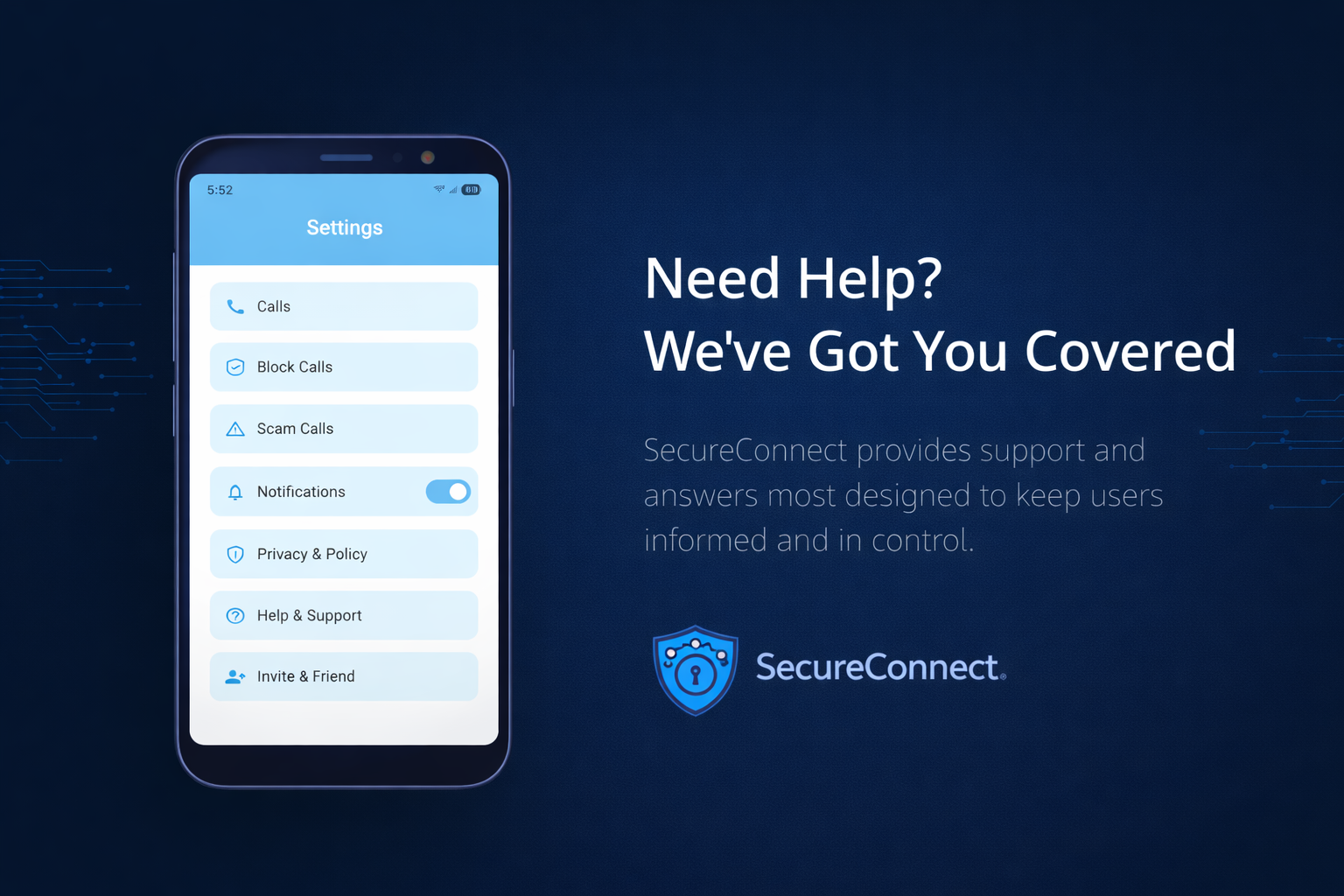
Support
Support
SecureConnect is designed to be simple and reliable, but we understand that questions or issues may arise.
This page provides help with common questions and explains how to contact us for assistance.
Common Questions
What does SecureConnect do?
SecureConnect helps detect potential scam and fraud calls by analyzing call metadata and known scam indicators. When a suspicious number is detected, the app provides a warning before you place a call.
Does SecureConnect block calls automatically?
SecureConnect provides warnings and allows you to decide whether to block or continue a call. You remain in control at all times.
Does SecureConnect record calls or store contacts?
No. SecureConnect does not record calls, access contact lists, or collect call audio.
Why was a call flagged as a scam?
Calls may be flagged based on known scam number databases, emerging patterns, or anonymous community reports. Detection is informational and may not be perfect.
Troubleshooting
If SecureConnect is not behaving as expected, try the following:
Ensure the app is updated to the latest version
Confirm required permissions are enabled (few if any)
Restart the app or your device
Device Compatibility
SecureConnect is designed for Android devices and requires:
A supported Android version
Network connectivity for updated detection data
Contact Support
If you need additional assistance, please contact us: support@secureconnect.tech
When contacting support, please include:
Your device model
Android version
App version
A brief description of the issue
This information helps us respond more effectively.